Combine the sessions you already have
The Mixer is a tool in the aplifit.com private area. You can use it to create new sessions from your own sessions with MP3 music and from masterclasses, if your center has them enabled. You choose the sections you like, arrange them and listen to the result.
Create your mix in four steps
Build your session like a puzzle: choose the parts, arrange them and listen to how they fit together before generating the result.
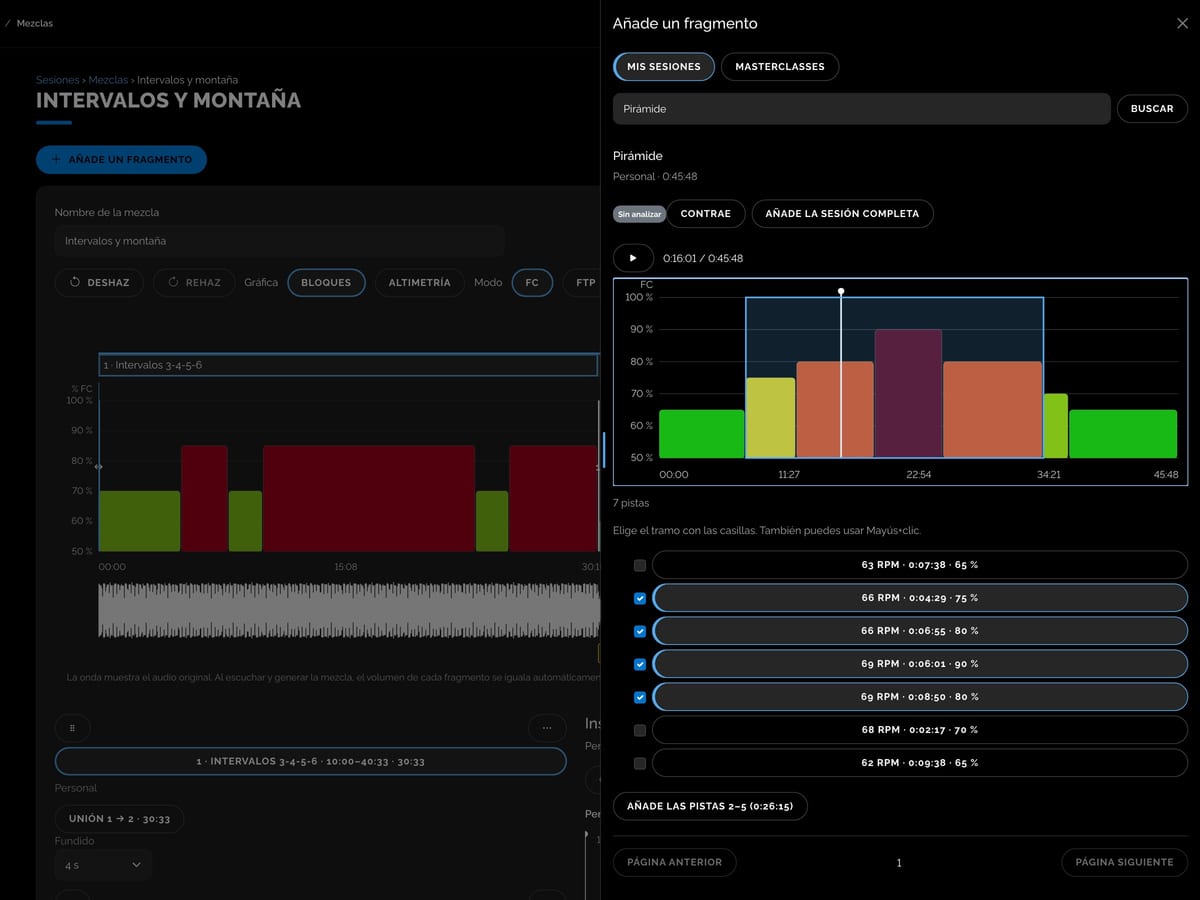
1. Choose
In the Mixer, click “+ New mix” and “Add a fragment”. Browse your sessions and masterclasses, look at their charts and listen to their tracks.
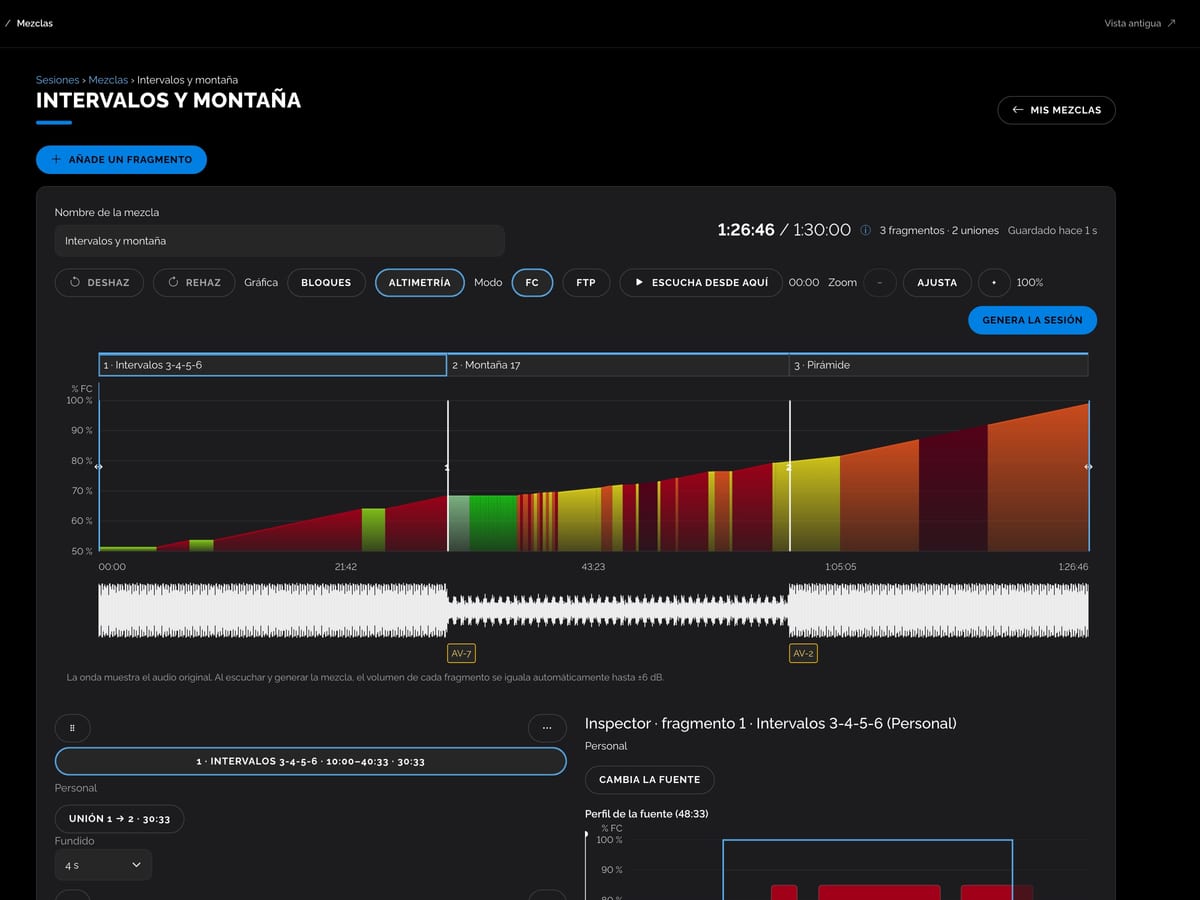
2. Add
Add the full session or just a range of tracks. Repeat with other sessions to build your mix.
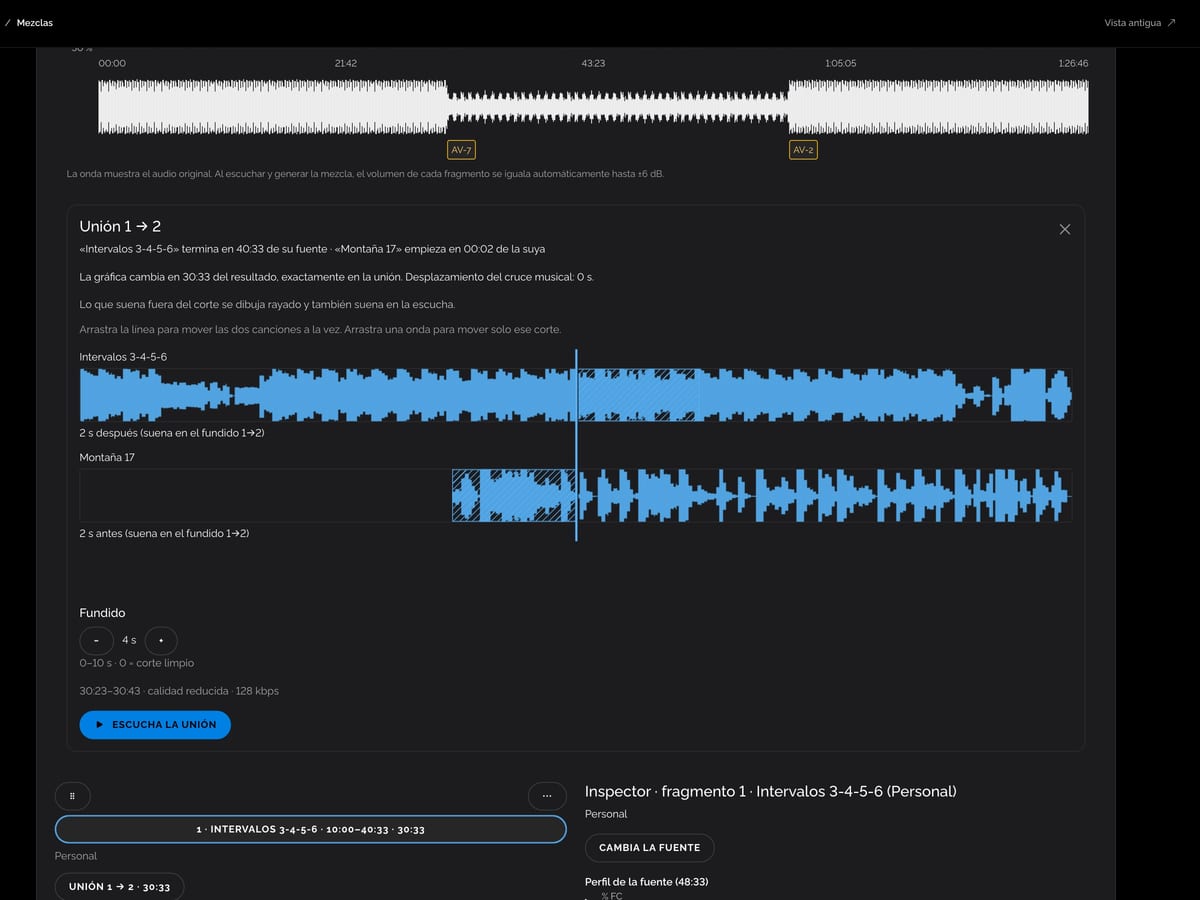
3. Adjust and listen
Arrange the blocks and adjust the transitions with your mouse on the chart. Click “Listen from here” to hear how any point sounds.
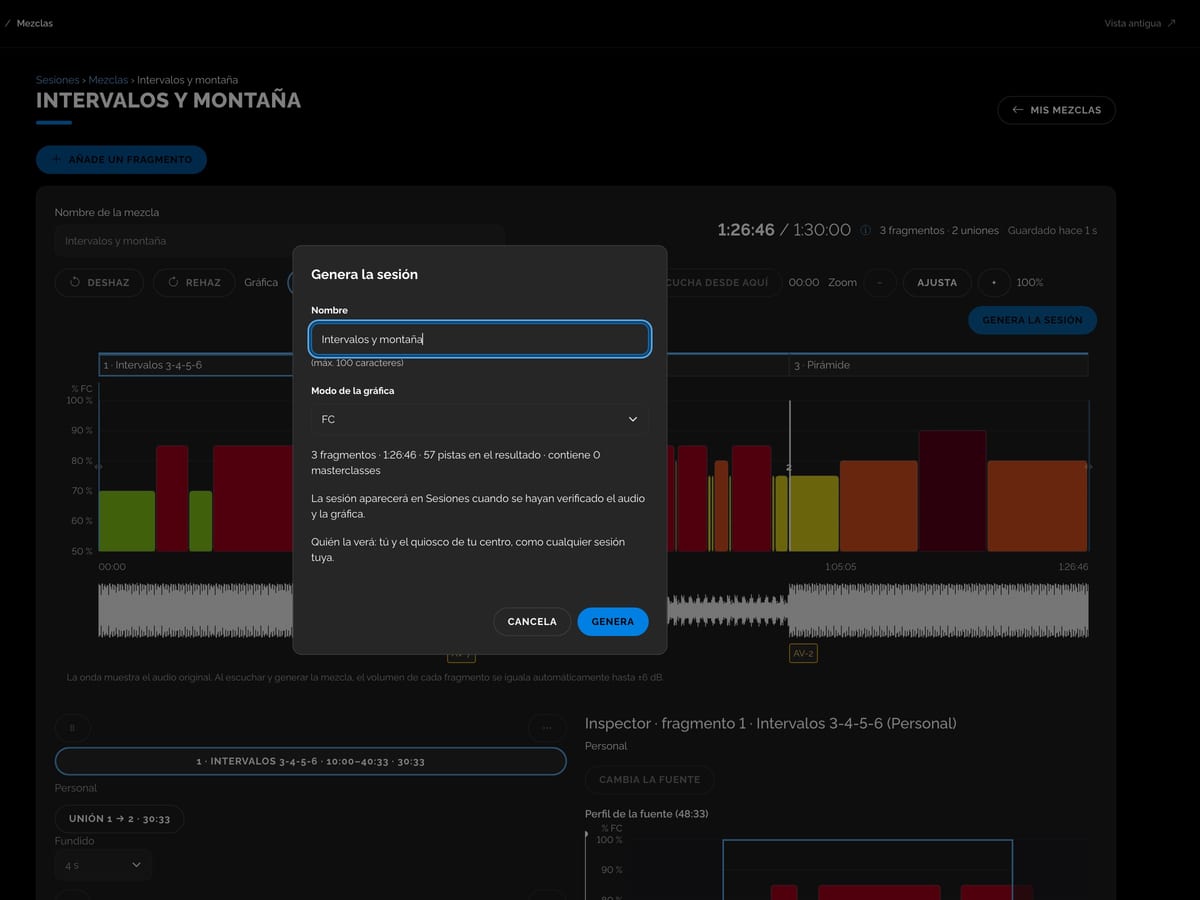
4. Generate
Click “Generate the session”, give it a name and choose the chart mode. Once it is ready, the session appears in “Sessions” with the music and chart synchronized.
From your computer, with nothing to install
It works in your computer's browser, on Mac and Windows. You don't need any audio software or mixing skills. The mix saves automatically and, if you close the page while it is being generated, Aplifit keeps working in the cloud.
A chart you adjust with your mouse
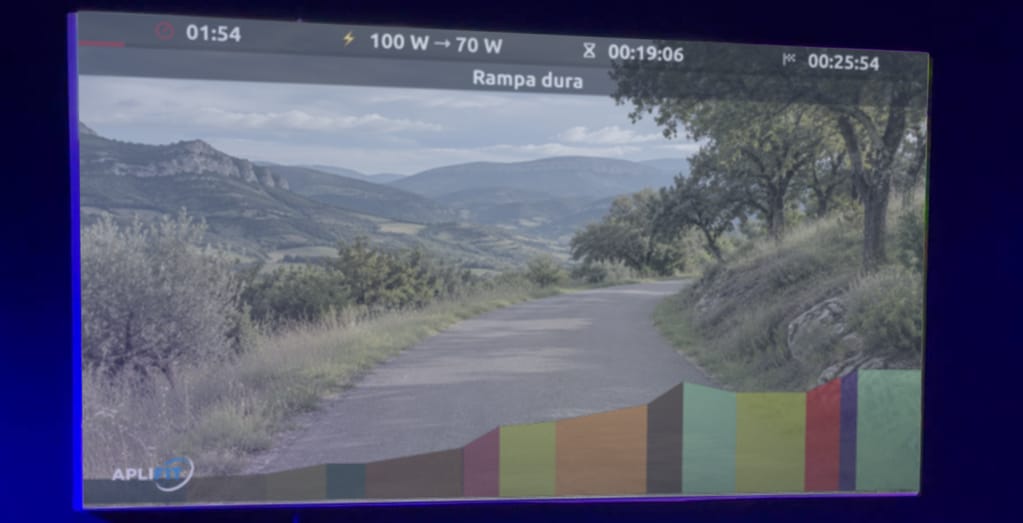
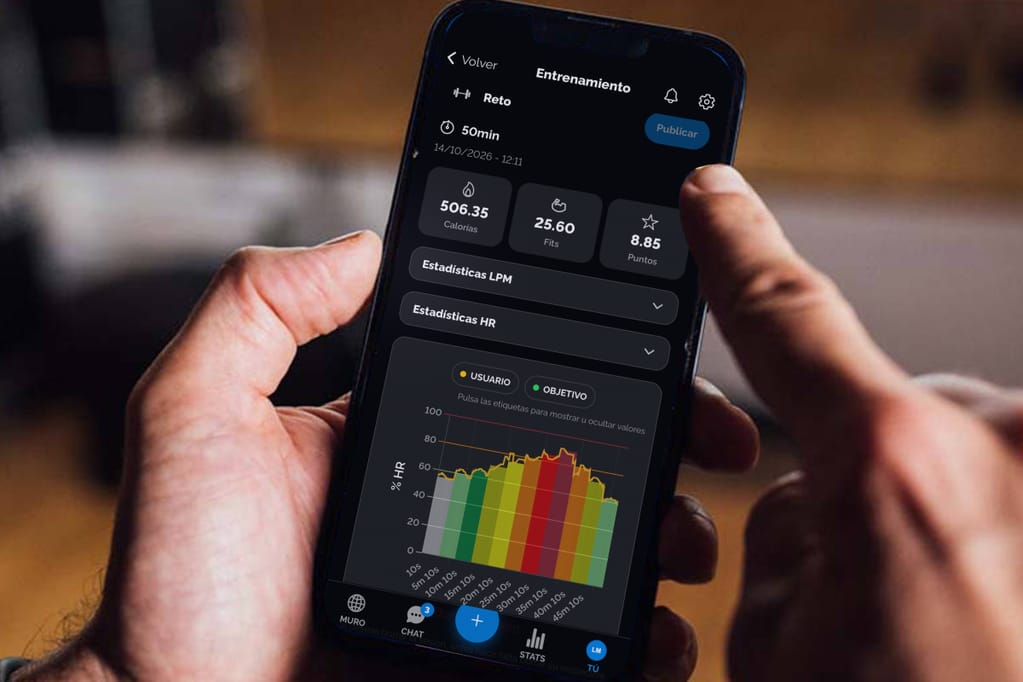
Move a block to change the order and drag its start or end to make the session longer or shorter. When you drag a transition, one song gets longer by the same amount that the other gets shorter. You can view the chart in “Blocks” or “Elevation” and work with heart rate or power.
Transitions and volume handled with care
Each transition shows the waveforms of both songs. Choose a crossfade of up to 10 seconds or a hard cut, and listen to the transition before deciding. Aplifit evens out the volume of each section so the mix sounds consistent.
Ready to use at your center
The new session appears in “Sessions” with the “Mix” label, and you use it like any other session of yours, including at your center's kiosk. The mix includes the music and chart and can last up to 1 hour and 30 minutes. To change it, edit it and generate a new version.
Let's talk about your sessions
Tell us how you prepare your classes and we'll explain how to create new sessions with the Mixer.