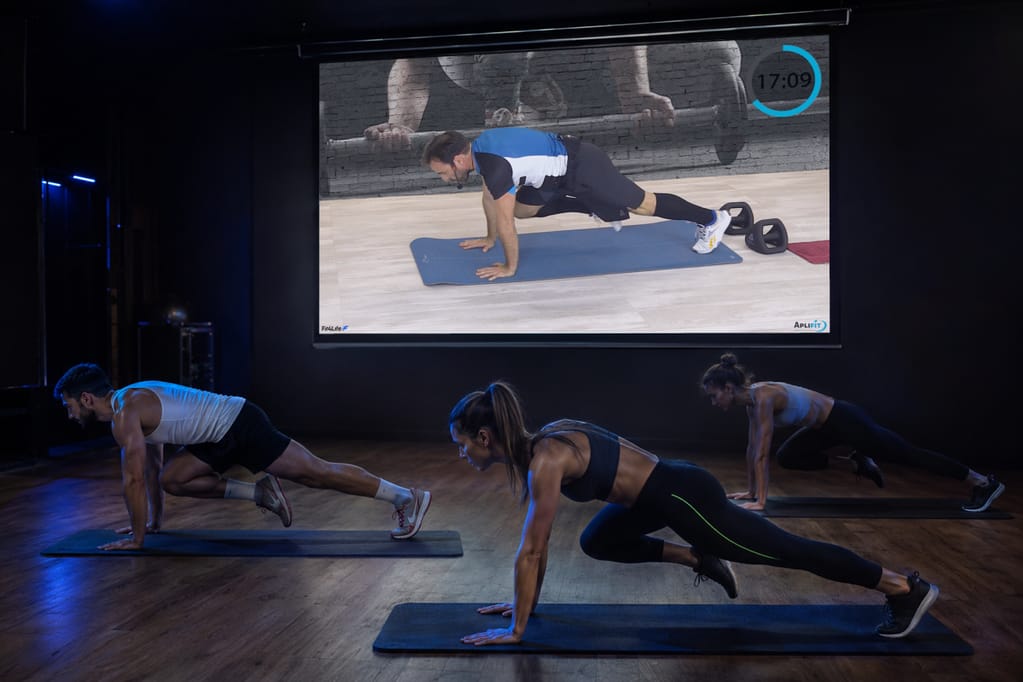
With Aplifit, you lead a circuit workout guided by the studio screen. Participants follow the session blocks, exercises and timings.
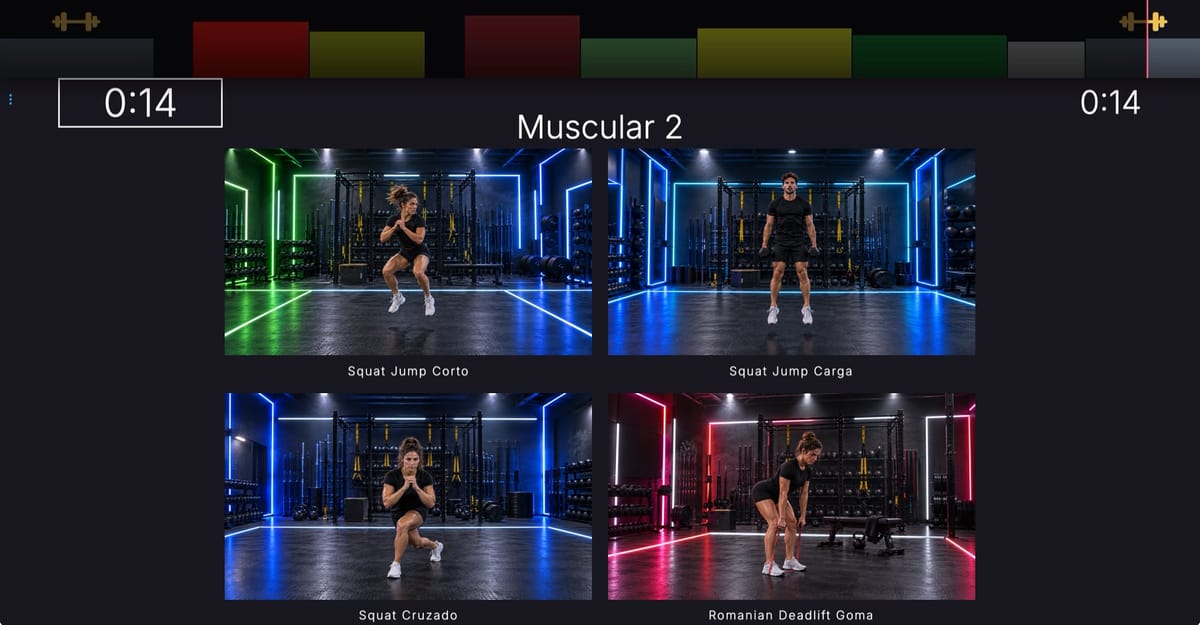
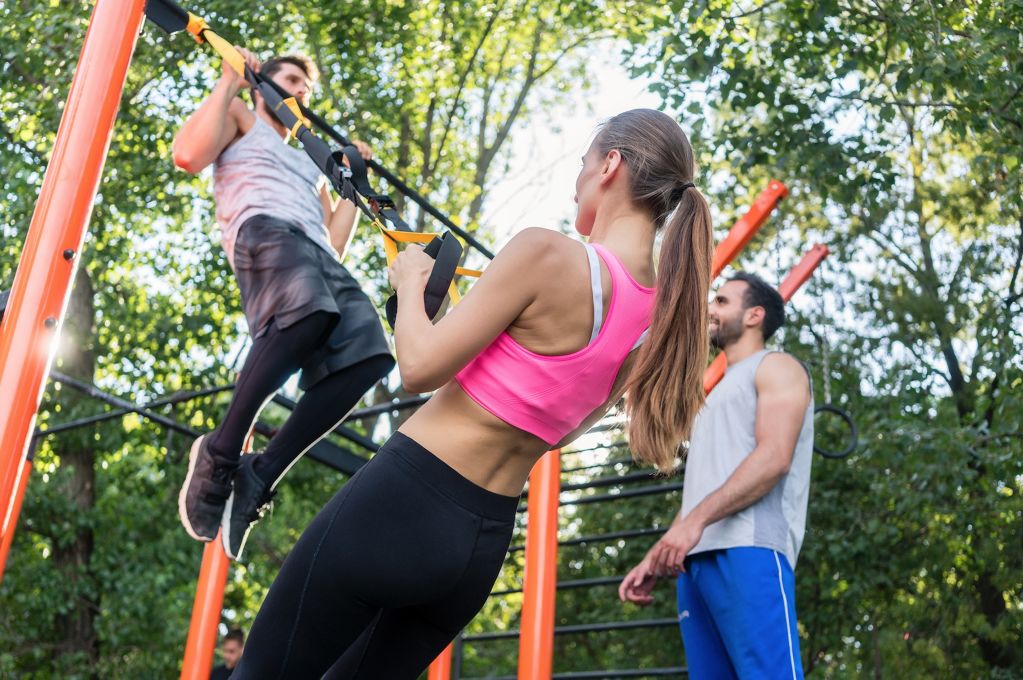
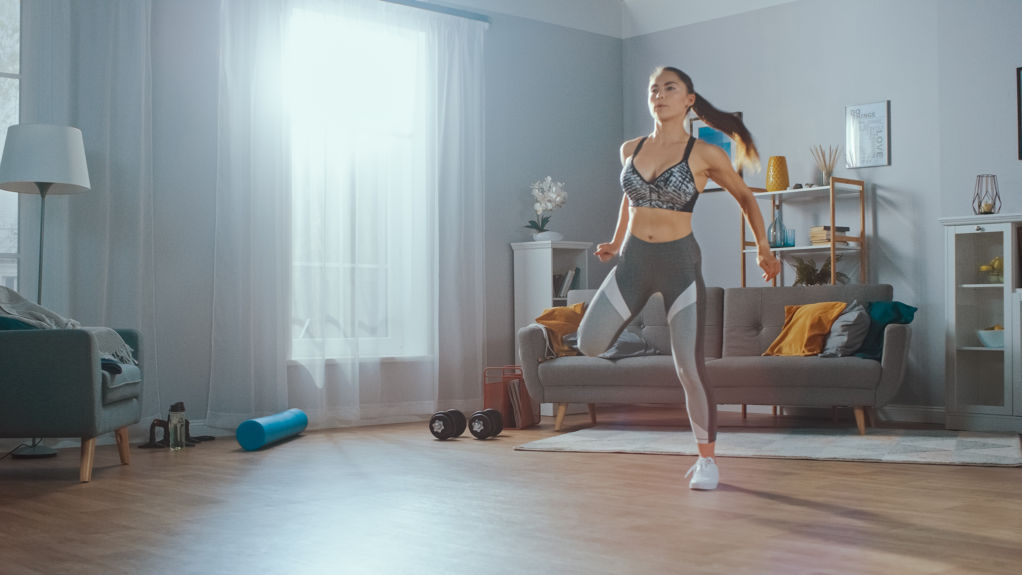
Exercise scenes: illustrations.
The screen guides every step of the circuit
A color strip shows all the blocks and the group's current position. The screen shows how much time remains in the class and the block.
In strength blocks, the cards show the exercises with video. During rest periods, “Get ready” appears with the next block. Music accompanies the session, and a sound signals each block change.
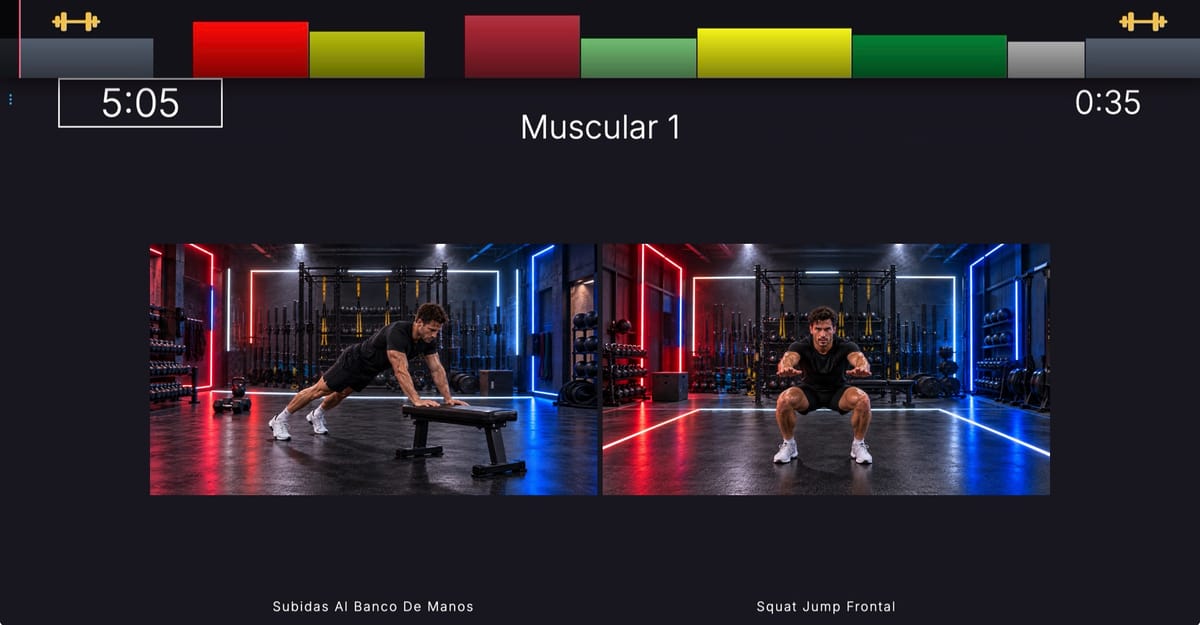
Cardio and strength in the same session
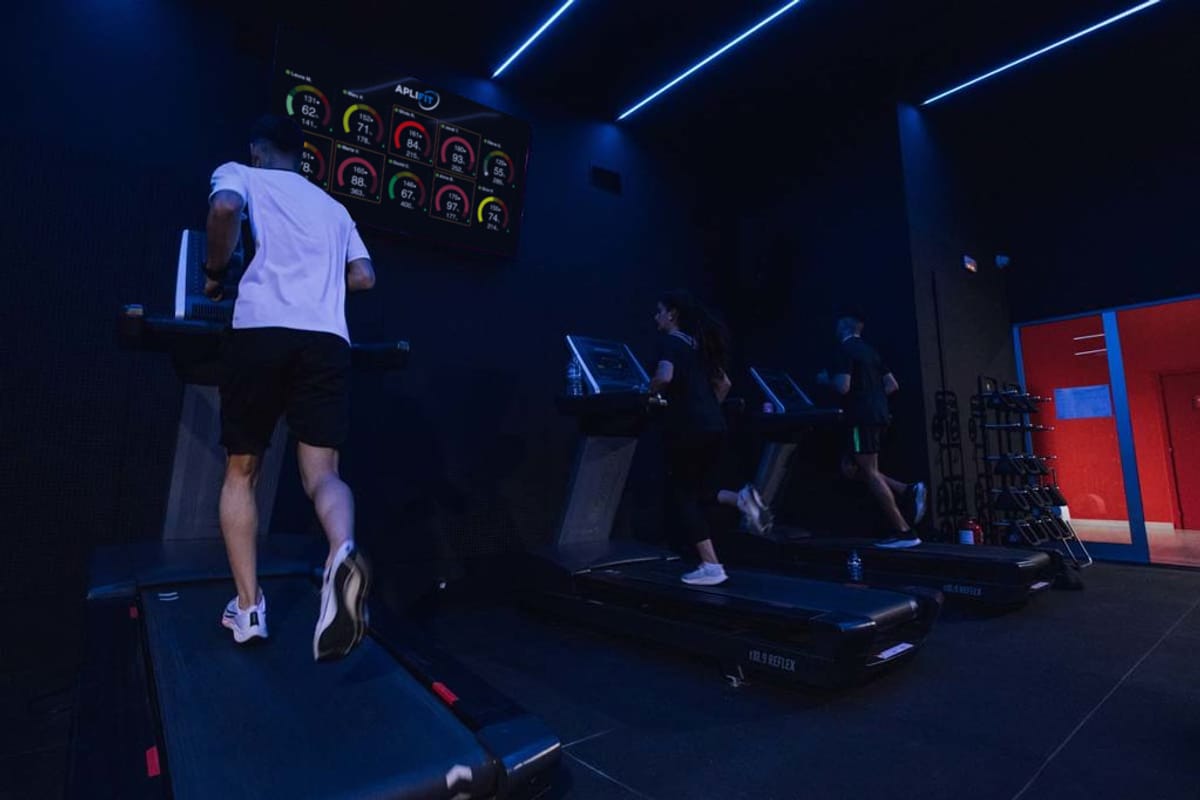
Combine strength exercise cards with cardio blocks, called “Cycling” in the builder. Each cardio block includes a title, an intensity target and a video or YouTube playlist. You can use them with bikes, treadmills and other stations. A single intensity strip guides the entire session.

As a trainer, you set the target for each cardio block as a percentage of maximum heart rate. That percentage is the intensity you propose: the circuit does not measure heart rate, read machine data or control the machines.

Prepare and save your sessions
Create, clone and reorder blocks in the builder.
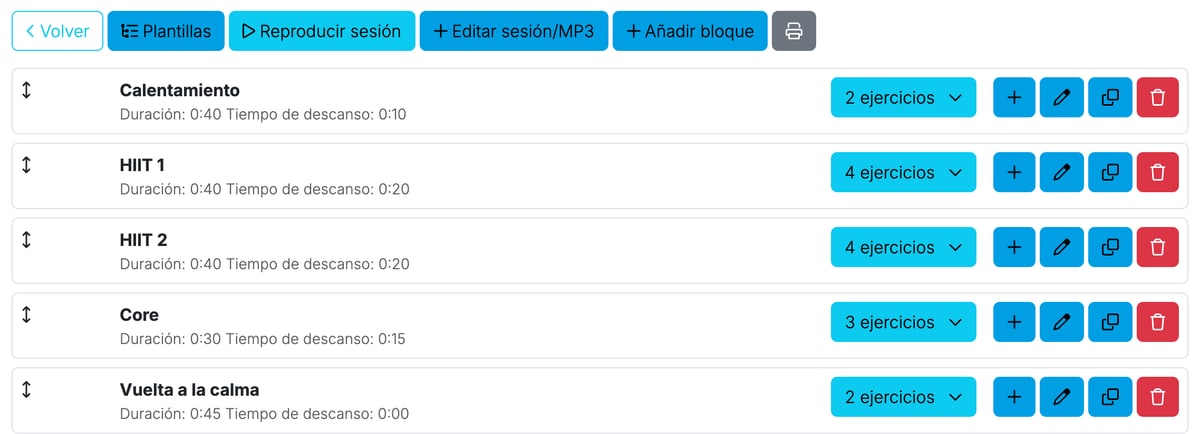
Use templates to create, save and start your sessions. You can also upload your own exercise videos. The system runs in the browser.
Complete the circuit with group telemetry
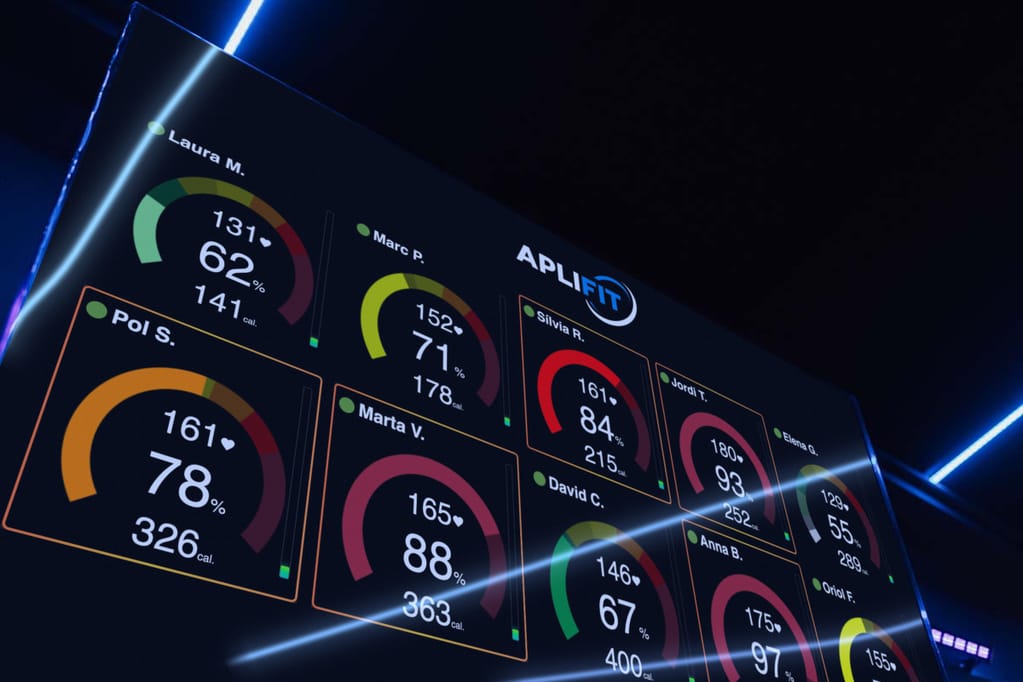
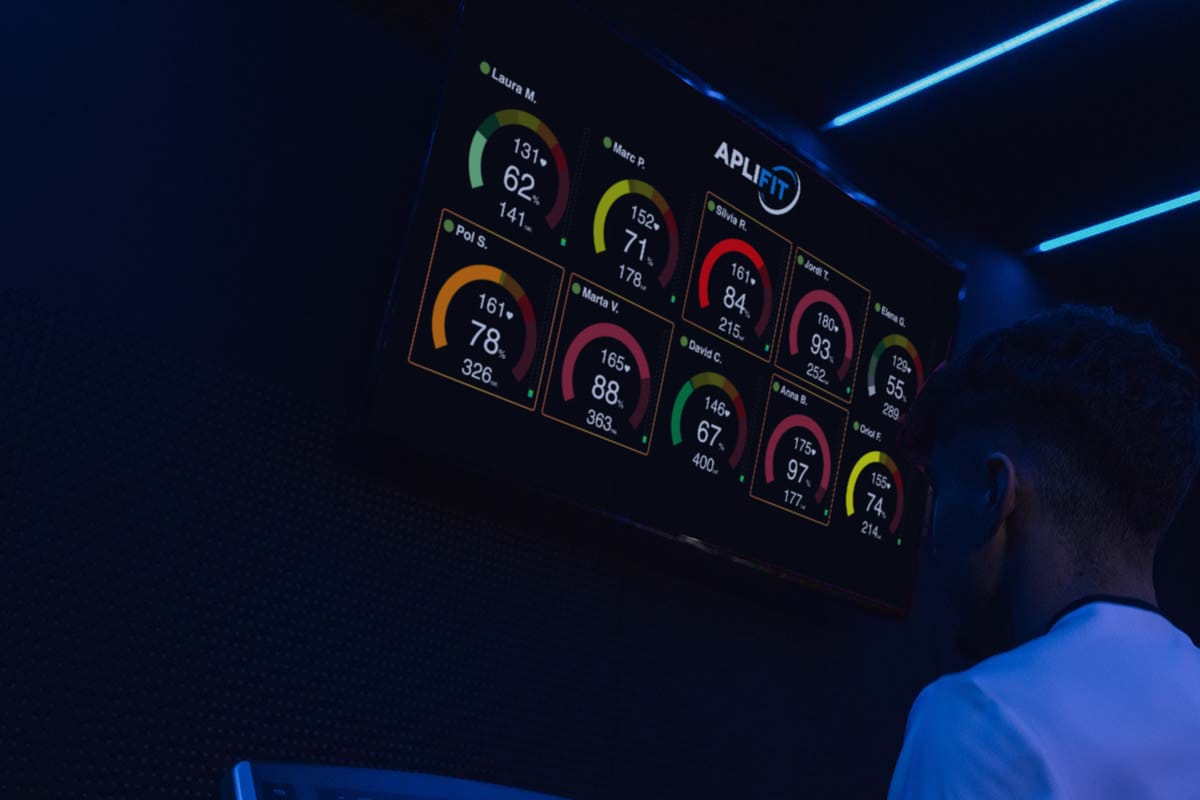
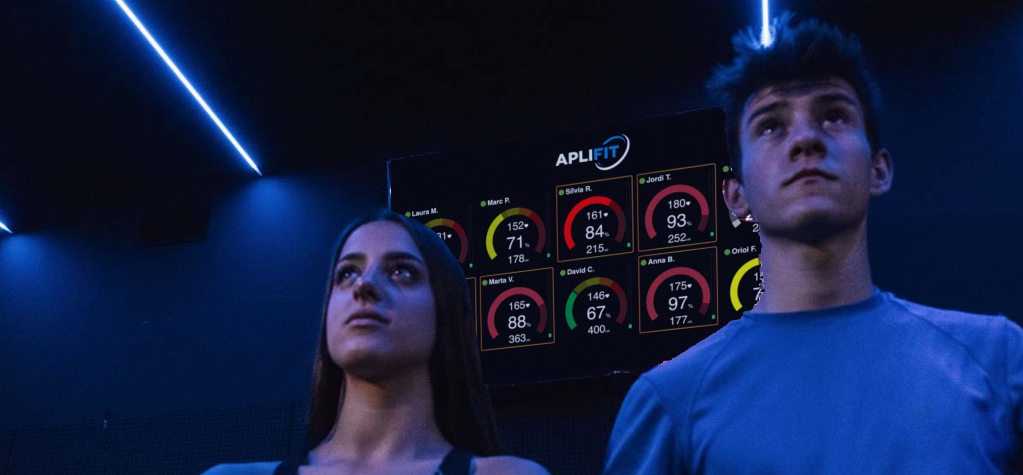
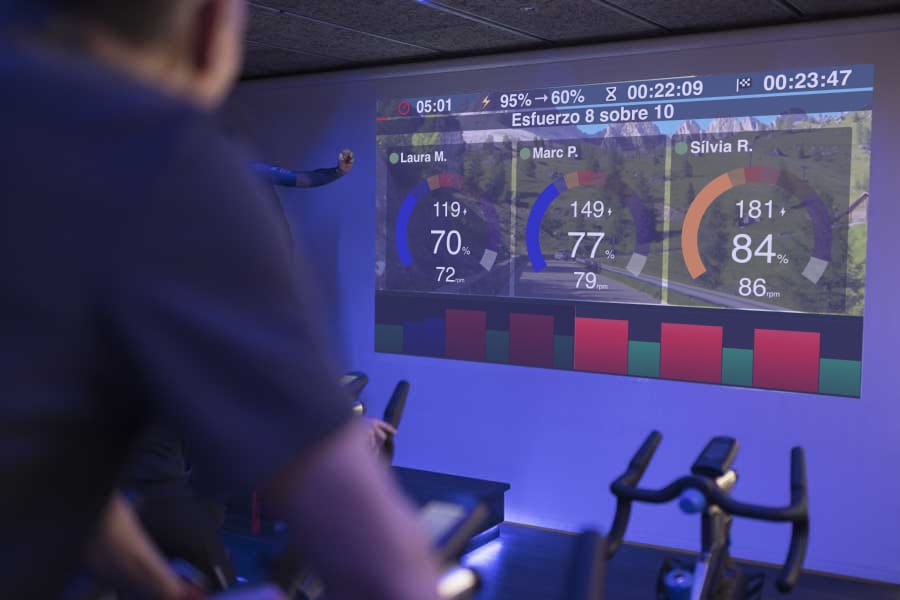
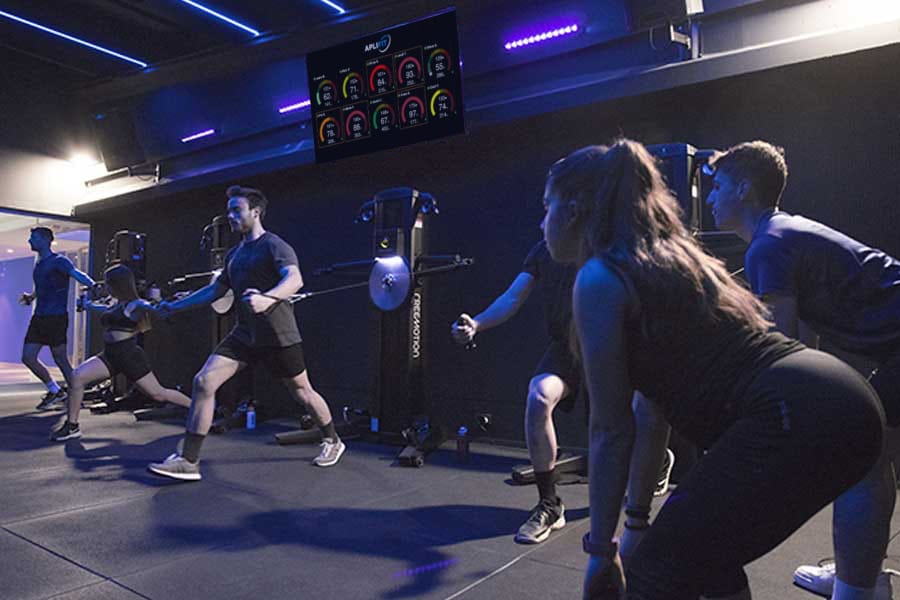
Telemetry is an important addition to your Bootcamp studio. You can keep the circuit on one screen and display group telemetry on a second.
On the telemetry platform, sessions in free mode automatically detect participants' sensors. This allows you to accompany the circuit with heart rate monitoring.
Discover Aplifit's group telemetry